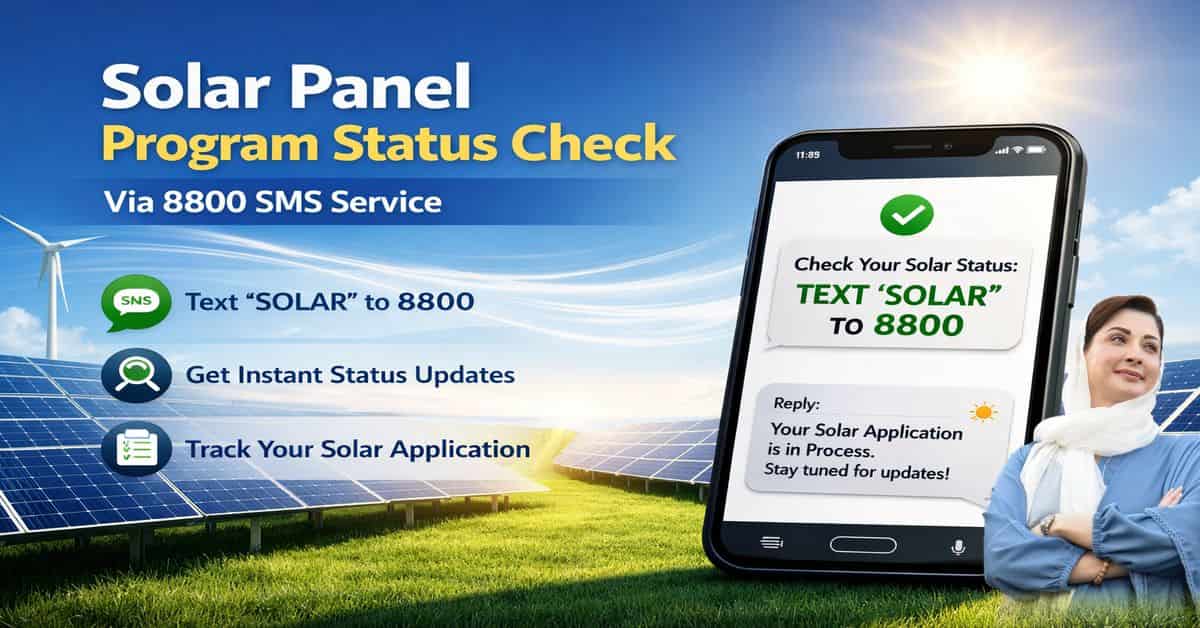
Solar Panel Program Status Check Via 8800 SMS Service
Punjab Government has made it easier for citizens to track their Roshan Gharana Scheme applications. Applicants can now check their application status using the 8800 SMS service or the official online portal. This service is accessible even for those without internet.
Understanding the 8800 SMS Service:
Purpose:
- 8800 is the official short code for the CM Punjab Solar Panel Program.
- It allows applicants to:
- Register a new application
- Check the status of an existing application
Key Advantage:
- Provides access without internet
- Delivers complete application information via SMS
Checking Application Status via SMS:
Step-by-Step Guide:
- Open your mobile messaging app.
- Type your Bill Reference Number followed by your CNIC number (without dashes).
- Send the message to 8800.
SMS Format:
[Reference Number] [CNIC]
Possible SMS Replies:
- In Process: Application is under review
- Approved: Application approved after initial screening
- Physical Verification Required: Team will visit your home for verification
Check More: CM Punjab Roshan Gharana Program
Checking Status via Online Portal:
Additionally, candidates can use the official portal to view comprehensive information. Through the portal, you can:
- Verify your eligibility
- Monitor the progress of your application in detail
- Check the amount of electricity used.
Requirements for Portal Check:
- 14-digit electricity bill reference number
- CNIC number
Eligibility Criteria for Solar Panel Program:
In order to be considered for the CM Punjab Solar Panel Program, candidates need to:
- Be permanent residents of Punjab
- Have a monthly electricity consumption between 0–500 units
- Not be involved in electricity theft
- Have no legal defaults
Verification and Selection Process:
- Applications are selected using a computerized and transparent balloting system to ensure fairness.
- After approval, a physical verification is conducted:
- Team inspects the roof condition
- Feasibility of solar panel installation is assessed
After Approval:
- “Approved” status does not mean immediate installation.
- Following approval:
- Physical verification of the house and roof
- Balloting (if required)
- Scheduling of solar panel installation
Quick Reference:
| Action | SMS Service | Online Portal |
|---|---|---|
| Application Status | 8800 short code | Official portal |
| Required Information | Reference Number + CNIC | Reference Number + CNIC |
| Internet Needed? | No | Yes |
| Details Provided | Basic status | Full application details |
Tips for Applicants:
- Keep your Bill Reference Number and CNIC ready for quick access
- Regularly monitor your application through the portal or SMS
- Recognize that installation comes after verification and scheduling; approval is the first stage.
Frequently Asked Questions:
Can I use any mobile number to check my application status?
It is recommended to use the mobile number you registered with. This ensures the system correctly recognizes your details.
What should I do if I do not receive a reply from 8800?
Check your mobile balance and ensure your CNIC is written without dashes. If the problem continues, use the official online portal to track your application.
What does “Approved” status mean?
“Approved” indicates that your initial screening has passed. Final installation depends on physical verification and the balloting process.