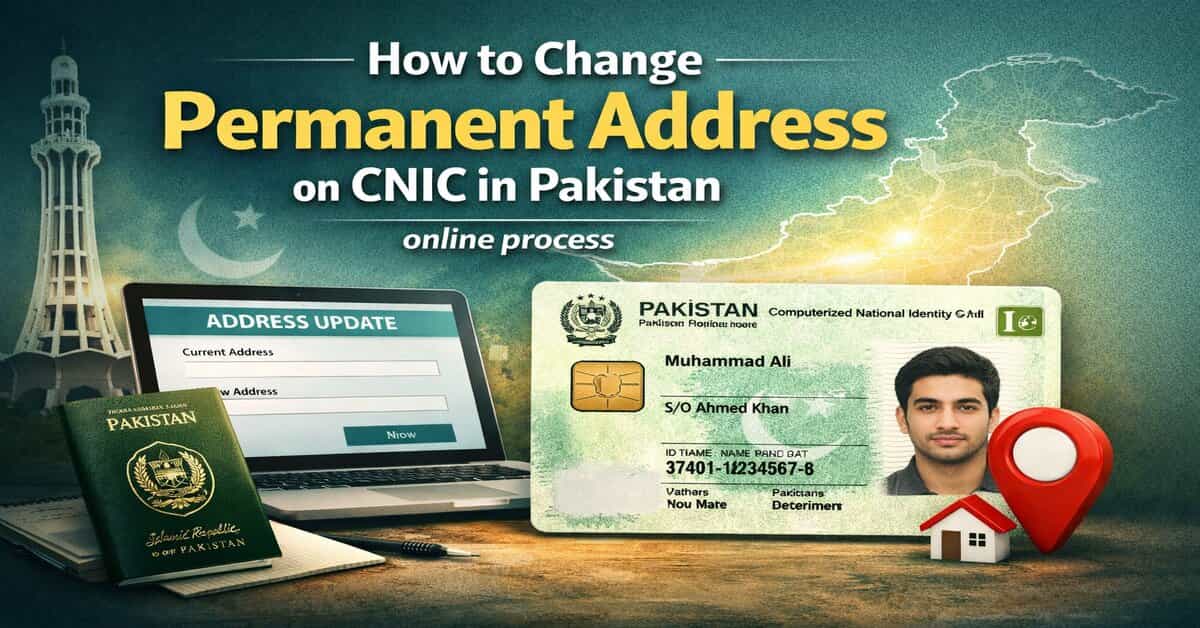
How to Change Permanent Address on CNIC in Pakistan – Online Process
Updating your permanent address on your CNIC is no longer a complicated process. Thanks to NADRA’s digital services, you can now complete the entire procedure online without visiting an office.
Whether you’ve moved to a new city or need to correct your address, this guide walks you through everything step by step with the latest updates, required documents, and expert tips.
Why Updating Your Permanent Address on CNIC Matters:
Your CNIC connects you to vital services in Pakistan, making it more than just an ID card.
- Financial transactions and banking
- Processing of visas and passports
- Registering to vote
- Government programs and advantages
An out-of-date address may cause delays in official procedures or problems with verification.
Latest 2026 Update from NADRA:
The CNIC alteration procedure has been greatly streamlined by NADRA:
- Online address change via Pak Identity (Pak-ID) app
- Only one valid proof of residence required
- Faster processing and home delivery options
- Biometric verification for security
The procedure is now more efficient, straightforward, and easy to use thanks to these modifications.
Requirements for Changing Permanent Address:
Prepare these before beginning your application:
1. Your CNIC (valid or expired)
2. One proof of address (any of the following):
- Water, gas, or electricity bill
- Certificate of domicile
- Property records
- Rent contract (confirmed)
- Letter of housing society allotment
The document can be in your name or a close family member’s name.
Step-by-Step Guide for How to Change Permanent Address on CNIC in Pakistan:
Step 1: Download or Open Pak Identity App:
Go to the NADRA website or download the official Pak-ID app.
Step 2: Create or Log in to Your Account:
To log in, use your registered mobile number and CNIC number.
Step 3: Select “Modification” Option:
To edit details, select CNIC modification.
Step 4: Enter Your New Permanent Address:
Enter your revised address precisely as it appears on your paperwork.
Step 5: Upload Supporting Document:
Provide a crisp photo or scan of your proof of address.
Step 6: Complete Biometric Verification:
To authenticate your identity, use face recognition or fingerprint verification.
Step 7: Pay the Required Fee:
Depending on your demands, choose executive, urgent, or regular processing.
Step 8: Submit Application:
Examine your information and send in your request.
Processing Time and Delivery:
- Normal: Around 15–30 days
- Urgent: 7–15 days
- Executive: 3–7 days
Once approved, your CNIC is delivered to your home address.
Offline Option (If Needed):
If online verification fails, you can still visit a NADRA Registration Center with your documents and complete the process manually.
Common Mistakes to Avoid:
- Uploading documents that are ambiguous or inconsistent
- Entering the wrong address spelling
- Using inaccurate or out-of-date evidence
- Ignoring biometric confirmation
Even small errors can lead to application rejection.
Pro Tips for Faster Approval:
- Make sure the updated address is displayed clearly in your paper.
- Make sure your proof and spelling match exactly.
- When submitting, make use of a reliable internet connection.
- Verify every detail once more before submitting.
Frequently Asked Questions:
Can I change my permanent address without visiting NADRA?
Yes, you can complete the entire process online using the Pak-ID app.
Is biometric verification mandatory?
Yes, NADRA requires biometric verification for security and identity confirmation.
How many documents are required?
Only one valid proof of residence is required under the latest rules.