
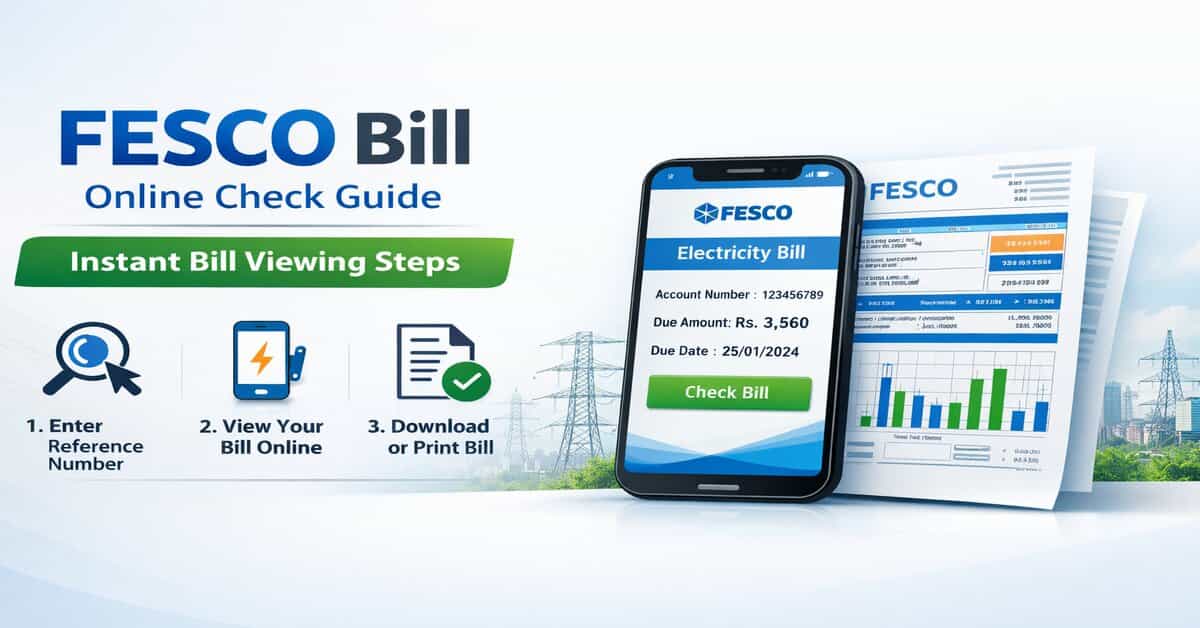
FESCO Bill Online Check Guide 2026 – Instant Bill Viewing Steps
In today’s digital era, managing electricity bills has become much easier. Residents of the Faisalabad region no longer need to visit offices or wait for printed bills. Faisalabad Electric Supply Company (FESCO) now offers an online system where users can quickly check, download, and print their electricity bills from home.
This guide explains the official process in a simple and clear way.
About FESCO and Its Service Area:
Faisalabad Electric Supply Company (FESCO) is one of the major electricity distribution companies in Pakistan. It supplies electricity to millions of consumers across several districts of Punjab.
FESCO covers areas including Faisalabad, Jhang, Chiniot, Sargodha, and Bhakkar, along with surrounding regions.
Why Check Your FESCO Bill Online?
Checking your electricity bill online offers several practical benefits:
- You can view your bill anytime without visiting any office
- It saves time and avoids waiting in queues
- A duplicate bill can be accessed instantly if the original is lost
- It helps you stay updated and avoid late payment issues
- It reduces paper usage and supports digital services
Information Required to Check Bill:
To check your FESCO bill online, all you need is your 14-digit reference number. This number appears on any previous electricity statement and is unique to each connection.
How to Process FESCO Bill Online Check?
Follow these easy steps to view your bill:
- Open the official FESCO bill checking system on your browser
- Enter your 14-digit reference number in the required field
- Click on the option to view or check the bill
- Your current electricity bill will appear on the screen
- You can view, download, or print the bill for payment purposes
What You Can See on Your Bill?
When your bill is displayed, it contains vital information such as:
- Total payable amount
- Due date for payment
- Electricity units consumed.
- Taxes and extra charges
- Previous billing history.
Alternative Ways to Access Your Bill:
If you are unable to check your bill online, there are other options available:
- You can use a mobile browser to access the system easily
- You may visit the nearest FESCO customer service center for assistance
Common Issues and Solutions:
Users may have minor problems while reviewing their bill:
- If the bill does not appear, recheck the reference number carefully
- If the website is slow, try again after some time or use another browser
- If the bill is missing, contact the FESCO support center for help
Important Tips for Users:
To ensure a smooth experience:
- Always keep your reference number safe and accessible.
- Check your bill regularly to avoid late payments.
- Use only legitimate and trusted sources to avoid errors and fraud.
Conclusion:
The online bill checking system by FESCO has made electricity bill management simple and efficient. With just a reference number, users can quickly access their bill details from home.
This system saves time, reduces effort, and helps consumers stay updated with their monthly electricity usage and payments.
Frequently Asked Questions:
Is it safe to check FESCO bill online?
Yes, it is safe as long as you use the official billing system. Always avoid unknown or unofficial websites to protect your information.
What should I do if my bill is not showing online?
If your bill does not appear, first recheck your reference number. If the issue continues, try another browser or wait and try again later. You can also contact FESCO support.
Can I check my FESCO bill without a reference number?
No, the reference number is required to access your bill online. Without it, you will need to contact a FESCO customer service center for assistance.